
Start Your Home Search with Just Your Voice
Discover homes hands-free with Finding Homes on Alexa
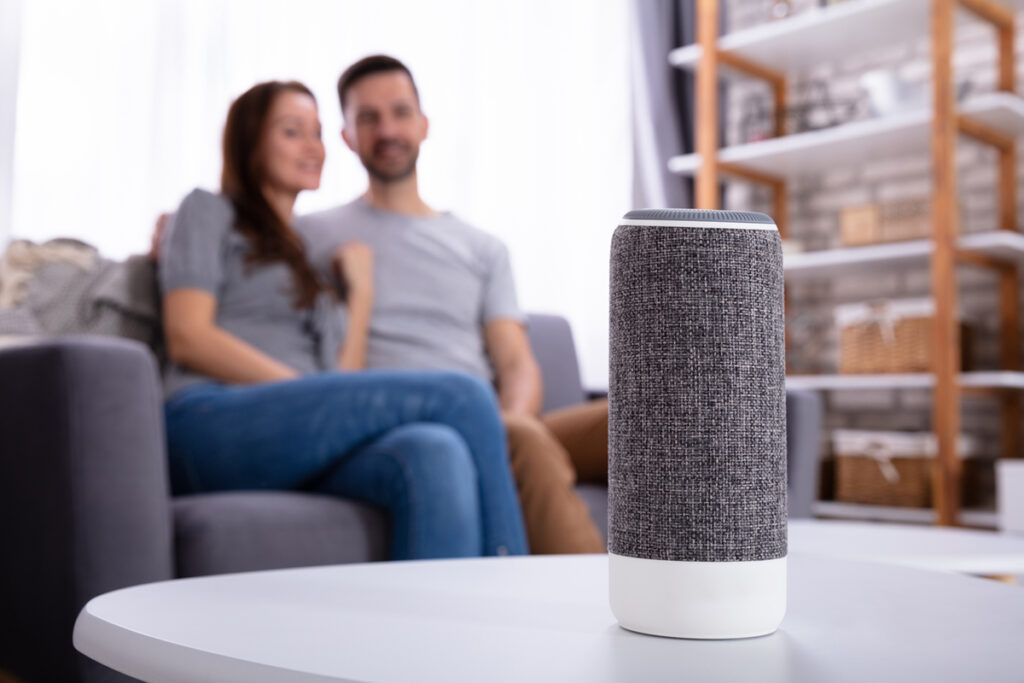
Finding Homes, a voice-powered search tool, available through Northwest MLS! Using an Amazon Echo device or the Alexa mobile app, buyers can search for homes with simple voice commands. Just say “Alexa, start the skill Finding Homes,” to begin—no clicks, typing, or drop-down menus needed.
This innovative tool makes home searching more accessible and inclusive for all buyers, whether they are visually impaired, multitasking, or simply prefer using voice.
Finding Homes uses AI technology to match listings with real-world buyer needs. You could use search prompts like:
- “I’m looking for a place with a home gym, at least three bedrooms, and an office.”
- “Show me houses with stainless steel appliances and granite counters.”
- “Find homes with a fenced yard and a playset.”
Getting Started
You can use Finding Homes on any Alexa-enabled device, including Echo speakers, Echo Show screens, Amazon Fire TV, or the Alexa app* on your phone.
Option 1:
If you have an Alexa device in your home with either an Alexa Classic or Alexa+ account, say “Alexa, start/open/launch the skill Finding Homes”.
Option 2:
- Download the Amazon Alexa app on your phone.


- Scan the QR code below to download the skill.

Using Voice Search
Start speaking and simply use natural language to explain the home you are looking to find.

You may want to start with a location, such as:
- “Search in Kirkland”
- “Find homes in 98034”
Finding Homes will guide you through a few quick questions, such as:
- “What’s your maximum price?”
- “How many bedrooms?”
- “How many bathrooms?”
Refine your search and learn more about a specific listing using phrases such as:
- “Show me the homes that have a basement”
- “Remove homes with HOA fees”
- “Remove homes without garages”
Finding Homes uses full property descriptions and photo captions from NWMLS listings to find what you are looking for—just ask, no clicks or filters needed!
Quick Tips
- Already know where you want to search?
Just tell Alexa! She’ll walk you through the rest. - Want to see listings on a screen?
Use an Echo Show or a Fire Stick connected to a TV.